





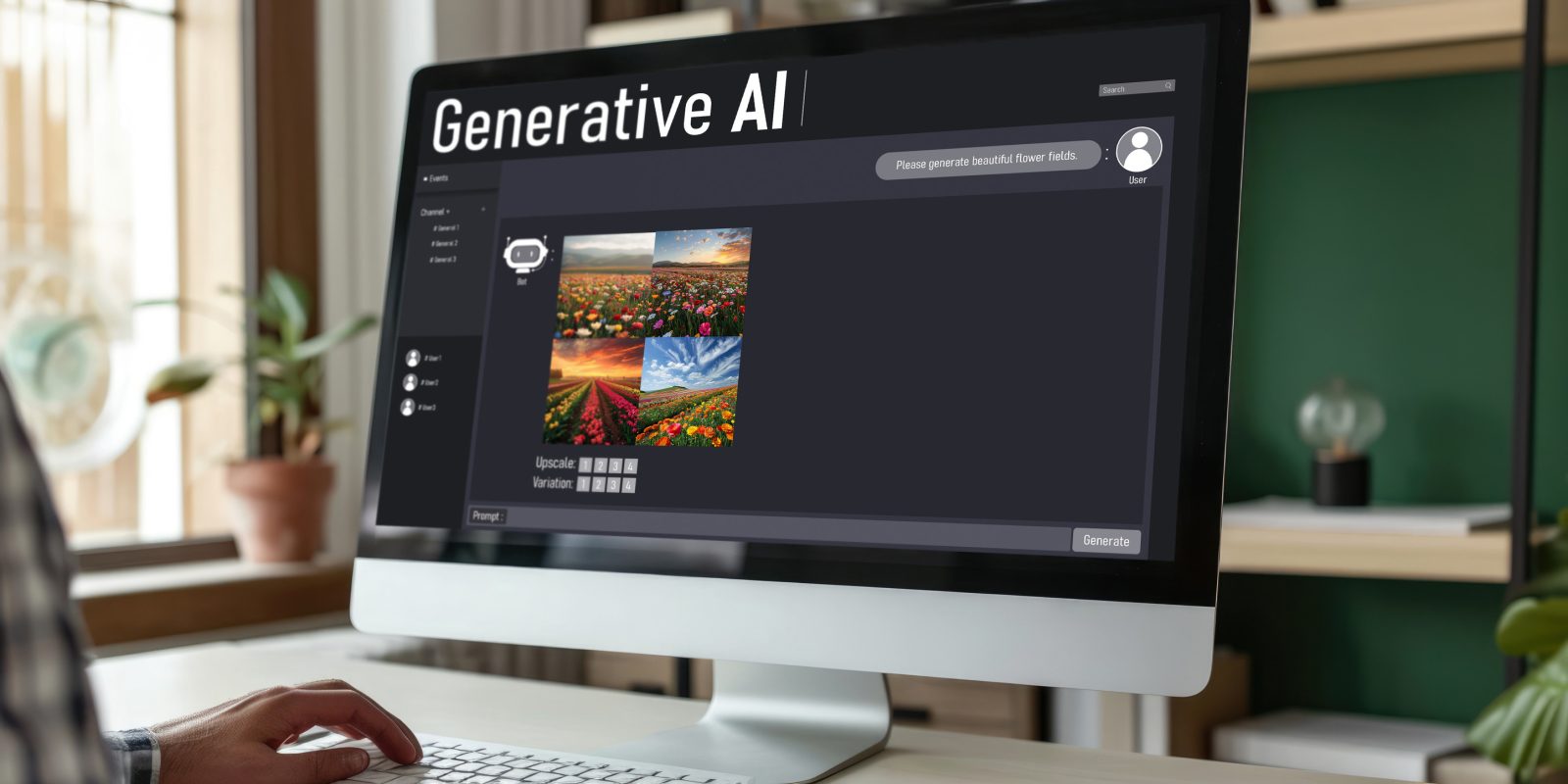
For years, businesses have treated search engines as the main gateway between a question and a website. That habit may be changing as AI tools begin to answer questions directly, summarize sources and help people navigate the web. Generative Engine Optimisation (GEO) is the practice of making information clear, useful and credible enough to be understood and surfaced by generative AI systems. It does not replace conventional search optimisation, but it adds a new reason to make every page easier to interpret.
The conversation has grown alongside AI-powered browsers and assistants. The prospect of tools such as ChatGPT Atlas and Comet challenging Chrome is explored in this look at AI browsers. Whether such products become everyday alternatives or remain a smaller part of the browsing market, they point to a broader shift: people may increasingly ask an assistant to find, compare and explain information instead of opening a list of search results.
What Generative Engine Optimisation Means
Traditional search optimisation aims to help a page appear prominently in search results for relevant queries. GEO considers how content may be selected, summarized or cited in an AI-generated response. The two disciplines overlap. Both benefit from pages that answer real questions, load reliably and demonstrate expertise. GEO also puts particular emphasis on unambiguous facts, well-organised explanations and information that can be separated from surrounding marketing language.
There is no guaranteed formula for being named in an AI answer. Systems change, and their selection processes are not fully visible to website owners. A page that is useful to a person is not automatically cited by a model. The practical goal is therefore not to chase a promised ranking, but to publish information that is accurate, distinctive and easy for readers and machines to understand.
Make Each Page Answer a Clear Question
Start by deciding what a visitor should learn from a page. A broad article that tries to cover every possible angle can be harder to use than one that answers a focused question and then explains the relevant context. Put the main answer near the beginning, define specialist terms, and use headings that describe the material beneath them. This helps a hurried reader find the key point and gives automated systems a clearer sense of the page’s structure.
Specificity matters. Instead of making a sweeping claim such as “our method is the best,” explain what the method does, who it suits and what its limits are. Use concrete examples where they clarify a process, and distinguish established facts from estimates or opinion. If information changes over time, show when it was reviewed and update it when necessary.
Build Trust Rather Than Merely Adding Keywords
Repeating a target phrase in every heading does little to make a page more authoritative. A stronger approach is to demonstrate why the information deserves attention. Explain the basis for important claims, name the relevant qualifications or experience, and link ideas together in a way that makes the subject easy to follow. Keep the wording natural: readers should not have to decode a paragraph written primarily to attract an algorithm.
Trust also depends on consistency across a site. Use the same names for your products, services and organization, and keep key details such as contact information and service descriptions current. Avoid publishing several near-identical pages that compete to answer the same question. A smaller collection of useful, well-maintained resources is often more valuable to visitors than a large archive of thin variations.
Present Information in a Readable Format
Structure supports comprehension. Use descriptive headings, short paragraphs, lists for genuine sequences or comparisons, and tables only when they improve a decision. Include clear labels for images and charts, and make sure important information is not communicated solely through color or embedded text. These choices help people using phones, assistive technology or voice interfaces, as well as readers who scan before committing to a longer article.
Visual quality is part of that experience, but it should serve the content. A helpful diagram can explain a complicated process more quickly than a block of prose; decorative graphics that obscure the message cannot. Businesses planning a visual refresh can use this guide to hiring a graphic designer to think through the brief, portfolio and working arrangements. Osdire is one place where businesses can hire freelancers across design and other categories, with payment held while work is in progress and released after approval.
Measure More Than Search Rankings
GEO can be difficult to assess because AI answers vary by question, location, product and time. Track conventional measures such as organic visits and conversions, but also pay attention to the questions customers ask before buying and the sources they say helped them decide. You can test a set of representative prompts in relevant AI tools and record whether your organization or useful pages appear. Treat this as directional observation, not a definitive score: results can differ between sessions, and a mention does not always send a visitor to your site.
Technical basics still matter. Make pages accessible to crawlers, avoid blocking important resources unintentionally, and ensure that mobile pages work properly. A fast, readable website gives both people and automated systems a better chance of accessing the information. Technical cleanup, however, cannot compensate for vague or untrustworthy content.
A Practical Starting Point
Choose a few pages that attract customers or answer recurring questions. Check whether each page states its purpose quickly, supports its claims, uses clear headings and reflects current information. Improve the weakest page first, then observe how visitors respond. GEO is best treated as an extension of sound publishing and website practice, not a shortcut around them. As browsing habits evolve, clear answers and credible expertise remain useful whether a visitor arrives through a traditional search result, a recommendation or an AI assistant.








Leave a comment